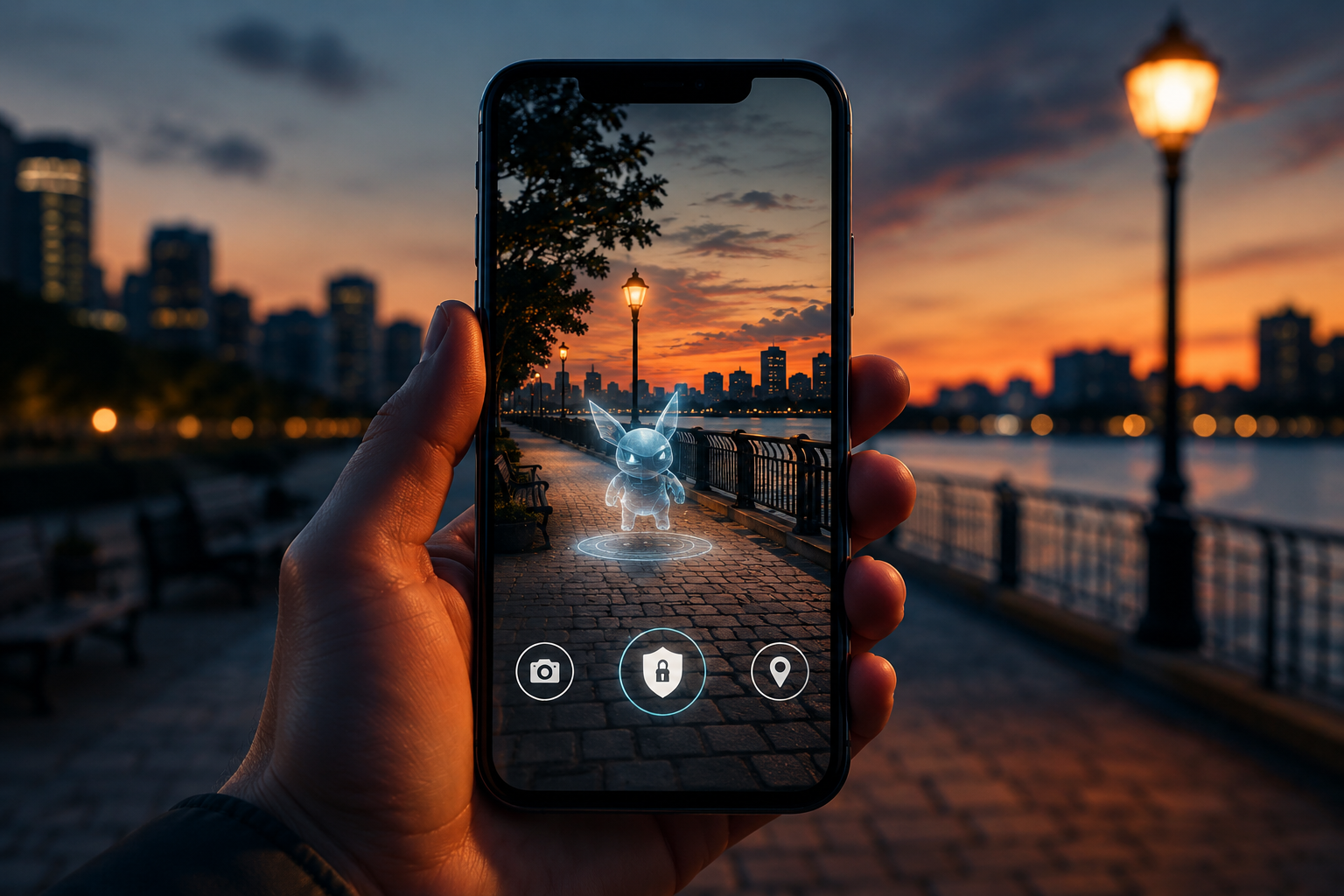
Why AR Games Ask for Camera and Location Access (and How to Stay in Control)
If you’ve ever opened an AR game and instantly seen permission pop-ups, you’re not alone in feeling a little unsure.
“Why do you need my camera?”
“Why do you need my location?”
Those are fair questions.
The short answer: AR games need some real-world data to work. The better answer is that they should only ask for what they truly need, explain it clearly, and still give you control.
What the camera is doing in an AR game
In most AR games, the camera isn’t there to “watch” you. It’s there so the app can understand your space.
It helps the game:
- Find surfaces like floors and tables
- Track your phone’s movement in 3D
- Make virtual objects look grounded in the real world
For many games, this happens on your device in real time (especially on iOS with ARKit). That means the app is interpreting the scene, not automatically uploading your video feed somewhere.
Why location is sometimes needed
Some AR games work fine without location. Others depend on it.
Usually it’s one of these:
- Not needed at all: indoor or level-based AR experiences
- Nice to have: local events, nearby content
- Required: location-based gameplay (outdoor quests, map-based objectives)
If a game asks for location but doesn’t have location-based features, that’s a reason to pause and look closer.
What good permission design looks like
Good AR apps ask for access when it makes sense.
You’ll usually see:
- A quick explanation before the permission prompt
- Camera request when you enter AR mode
- Location request only when you start location features
- “While Using the App” support
- A usable app even if you deny optional access
Bad signs are the opposite: asking for everything immediately, giving vague reasons, or blocking the app unless you accept all permissions.
A quick privacy check before installing
Takes about a minute:
- Read the App Store privacy section
- Open the privacy policy and scan for camera/location usage
- Choose “While Using the App” when possible
- Turn off precise location unless needed
- Deny tracking unless you want personalized ads
- Re-check permissions after major updates
If the game still works with tighter permissions, keep them tight.
If you’re building AR games, trust is part of the product
Players can tell when permission requests feel respectful.
Simple things go a long way:
- Explain access in plain language
- Ask only when needed, not all at once
- Keep as much processing on-device as possible
- Provide fallback behavior when optional permissions are denied
- Be clear about analytics and third-party tools
People are much more willing to grant access when they understand exactly why it’s needed.
Final thought
AR games can be amazing without being creepy.
As a player, you don’t need to accept every permission by default.
As a developer, you don’t need to over-collect data to build something great.
Good AR should feel immersive, not invasive.